
Introduction to Android App Development Pathways
The Android ecosystem is vast, powering billions of devices globally. For developers, choosing how to build an Android application is one of the most critical decisions in the product lifecycle. The choice of development approach directly impacts performance, development speed, time-to-market, overall cost, and user experience.
Broadly, Android app development can be categorized into four primary types based on the underlying architecture, frameworks, and programming languages used. Understanding these categories allows developers to align their technical skills and project budgets with business requirements.
1. Native Android Applications
Native Android apps are built specifically for the Android operating system using platform-specific tools and languages. Developers write these applications to interact directly with the Android SDK and OS APIs.

Key Characteristics:
- Languages: Kotlin (the modern standard recommended by Google) or Java.
- IDE: Android Studio.
- Performance: Unmatched speed and responsiveness since the code compiles directly to machine code.
- API Access: Complete, immediate access to device hardware (camera, GPS, biometrics) and the latest Android OS features.
Why Developers Choose Native:
Native development is ideal for high-performance apps, graphics-intensive games, or applications that rely heavily on background processing, hardware integrations, or offline capabilities.
2. Cross-Platform Applications
Cross-Platform development allows developers to write a single codebase that compiles into native code for both Android and iOS. It has surged in popularity due to massive savings in time and human resources.
Key Characteristics:
- Frameworks & Languages: Flutter (using Dart) and React Native (using JavaScript/TypeScript).
- Performance: Near-native performance. While they run on a bridge or rendering engine, modern frameworks minimize lag.
- Code Reusability: Typically 80% to 90% of the codebase is shared across Android and iOS platforms.
Why Developers Choose Cross-Platform:
It is the perfect choice for startups and enterprises looking to launch on both major mobile platforms simultaneously without maintaining two separate developer teams.
Comparative Analysis of Android App Types
To help you decide which approach fits your development goals, here is a detailed breakdown of how each type compares across key development metrics.
| App Type | Languages & Frameworks | Performance & UX | Development Cost & Time | Device Feature Access |
|---|---|---|---|---|
| Native Apps | Kotlin, Java (Android SDK) | Excellent / Best-in-class | High / Slowest | Full, instant access to all hardware APIs |
| Cross-Platform | Dart (Flutter), JS (React Native) | Near-Native / High quality | Medium / Fast | High (via plugins and native wrappers) |
| Hybrid Apps | HTML5, CSS, JS (Ionic, Cordova) | Moderate / Standard | Low / Fastest | Moderate (dependent on plugins) |
| Progressive Web Apps | HTML5, CSS, JS, Service Workers | Low-to-Moderate / Web-like | Very Low / Instant deploy | Limited (restricted background capabilities) |
3. Hybrid Applications
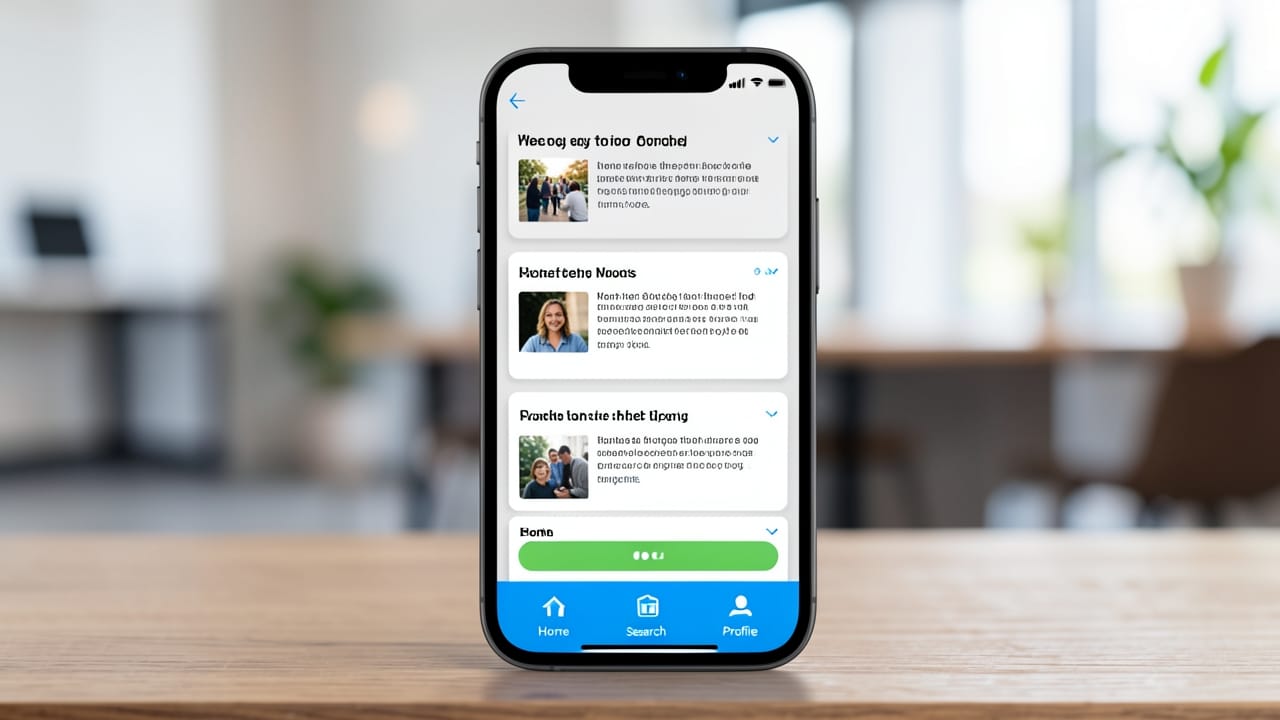
Hybrid apps are essentially website wrappers disguised as native mobile applications. They are built using standard web technologies and run inside a native container (WebView) on the device.
Key Characteristics:
- Frameworks: Apache Cordova (formerly PhoneGap), Ionic, or Capacitor.
- Languages: HTML5, CSS3, and JavaScript.
- Architecture: The UI is rendered using web engines, but the app can still access certain native device features via plugins.
Why Developers Choose Hybrid:
Hybrid development is highly efficient for developers with deep web development expertise who want to build basic utility, content-heavy, or internal business apps with minimal native platform knowledge.
4. Progressive Web Applications (PWAs)
Progressive Web Apps are web applications that utilize modern web capabilities (such as Service Workers, Web App Manifests, and caching) to deliver an app-like experience directly from a browser.

Key Characteristics:
- Installation: Installed directly from a web browser without going through the Google Play Store (though Google does support publishing PWAs to the Play Store via Trusted Web Activities).
- Offline Functionality: High offline reliability using cached assets.
- Maintenance: Instant updates; users always run the latest version without manually updating an app.
Why Developers Choose PWAs:
PWAs are ideal for businesses with existing web platforms who want to increase mobile engagement, bypass app store review guidelines, and reduce storage footprints for users on low-end devices.
Choosing the Right Approach for Your Project
Selecting the right development path requires balancing technical requirements against business constraints. Consider these heuristics:
- Choose Native if your app requires complex animations, heavy 3D rendering, deep background OS integration, or absolute top-tier performance.
- Choose Cross-Platform if you need to support both Android and iOS under a tight budget and schedule, with high-quality UI requirements.
- Choose Hybrid if you have a web development team that needs to ship a basic functional prototype (MVP) to multiple app stores rapidly.
- Choose PWA if you want to bypass app store friction, reduce user storage overhead, and provide an installable web experience with minimal effort.